

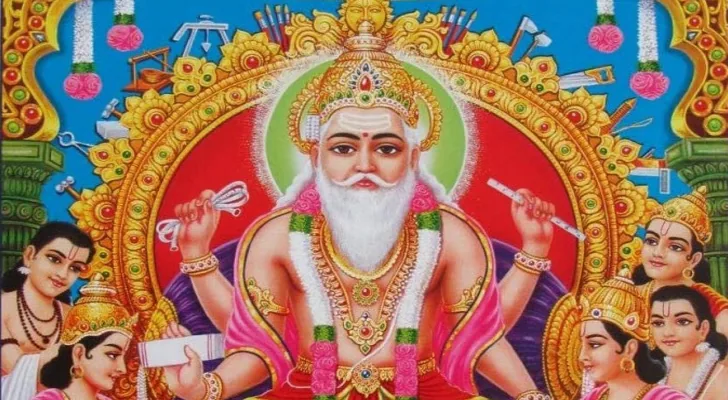
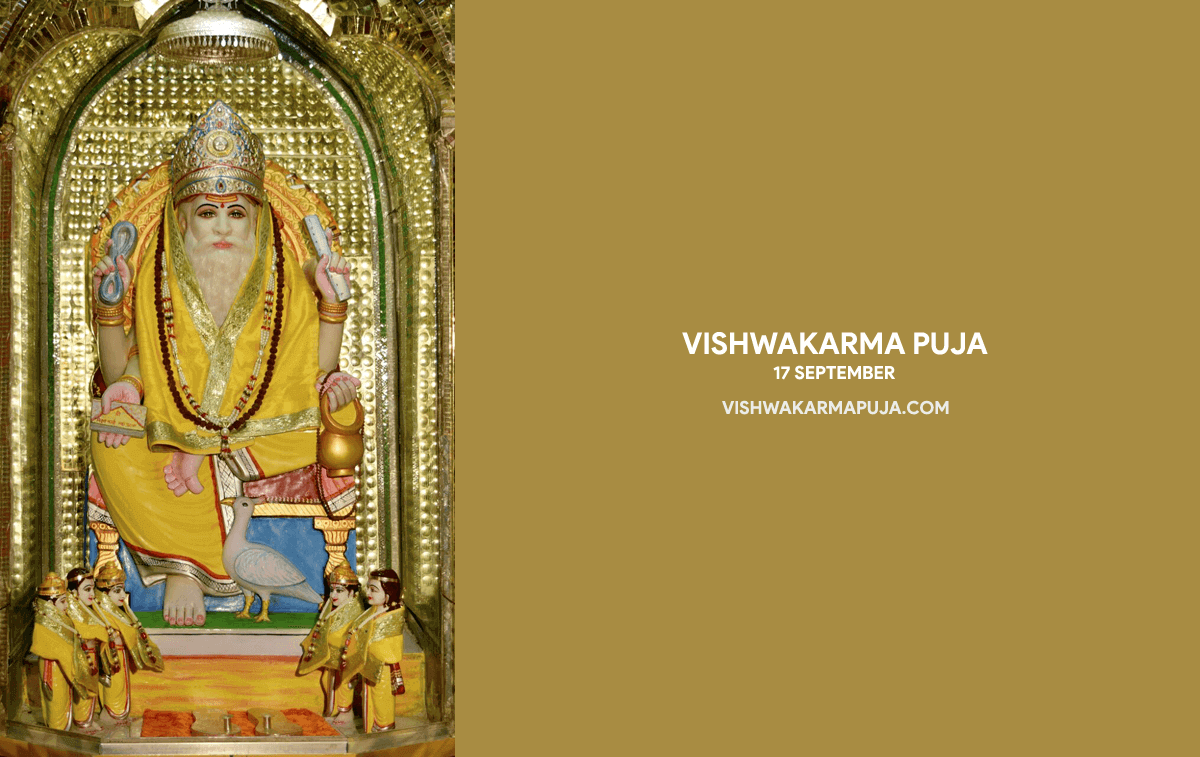
Here are 10 Vishwakarma Puja wallpapers that you can use as the background on your computer, laptop or phone. Each one is a widescreen picture of Lord Vishwakarma, the divine architect and craftsman of the gods, with the words "Vishwakarma Puja" and the date 17 September, the day on which the festival most often falls (see the Vishwakarma Puja date page for this year).
The wallpapers are 1200 by 757 pixels, a wide shape that fits most desktop and laptop screens. On a very large or high-resolution monitor the picture is enlarged and may look slightly soft. On a phone, which has a tall screen, the picture will be cropped at the sides, so you may need to move or zoom it to keep the image of the Lord in view.
How to set a wallpaper
- Tap or click the wallpaper you like to open the full-size version, then save it.
- On a Windows computer, right-click the saved picture and choose the option to set it as the desktop background, or open the personalisation settings and select it.
- On a Mac, open System Settings, go to Wallpaper and add the saved picture.
- On a phone, open the picture in your gallery or photos app, choose the option to use it as wallpaper, and adjust the position before you confirm.
A wallpaper is also a simple way to mark the day on shared screens at an office, shop or factory, where computers and machines are often cleaned and honoured as part of the puja. You can send these pictures to colleagues along with the Vishwakarma aarti lyrics, so that everyone can join in the singing.
यहां विश्वकर्मा पूजा के 10 वॉलपेपर दिए गए हैं, जिन्हें आप अपने कंप्यूटर, लैपटॉप या फोन की पृष्ठभूमि के रूप में लगा सकते हैं। हर वॉलपेपर देवताओं के शिल्पी भगवान विश्वकर्मा का एक चौड़ा चित्र है, जिस पर "Vishwakarma Puja" और 17 सितंबर लिखा है, क्योंकि यह त्योहार अक्सर इसी दिन पड़ता है (इस वर्ष की तारीख के लिए विश्वकर्मा पूजा तिथि देखें)।
ये वॉलपेपर 1200 x 757 पिक्सल के हैं, यानी चौड़े आकार के, जो अधिकतर डेस्कटॉप और लैपटॉप स्क्रीन पर ठीक बैठते हैं। बहुत बड़े या हाई-रेज़ोल्यूशन मॉनिटर पर चित्र बड़ा होकर थोड़ा धुंधला दिख सकता है। फोन की स्क्रीन लंबी होती है, इसलिए वहां चित्र के दोनों किनारे कट जाएंगे। भगवान का चित्र बीच में रखने के लिए आपको उसे थोड़ा खिसकाना या ज़ूम करना पड़ सकता है।
वॉलपेपर कैसे लगाएं
- जो वॉलपेपर पसंद हो, उस पर टैप या क्लिक करके पूरा आकार खोलें और उसे सेव करें।
- विंडोज़ कंप्यूटर पर सेव किए गए चित्र पर राइट-क्लिक करें और उसे डेस्कटॉप बैकग्राउंड बनाने का विकल्प चुनें, या पर्सनलाइज़ेशन सेटिंग खोलकर उसे चुनें।
- मैक पर सिस्टम सेटिंग्स खोलें, वॉलपेपर में जाएं और सेव किया हुआ चित्र जोड़ें।
- फोन में गैलरी या फोटो ऐप में चित्र खोलें, वॉलपेपर के रूप में उपयोग करने का विकल्प चुनें और पुष्टि करने से पहले उसकी स्थिति ठीक कर लें।
ऑफिस, दुकान या फैक्ट्री की साझा स्क्रीन पर वॉलपेपर लगाना भी इस दिन को मनाने का एक आसान तरीका है, जहां पूजा के हिस्से के रूप में कंप्यूटर और मशीनों की सफाई और पूजा की जाती है। आप ये चित्र साथियों को विश्वकर्मा आरती के बोल के साथ भेज सकते हैं, ताकि सब लोग आरती गाने में साथ दे सकें।
Wallpaper 1वॉलपेपर 1

Wallpaper 2वॉलपेपर 2
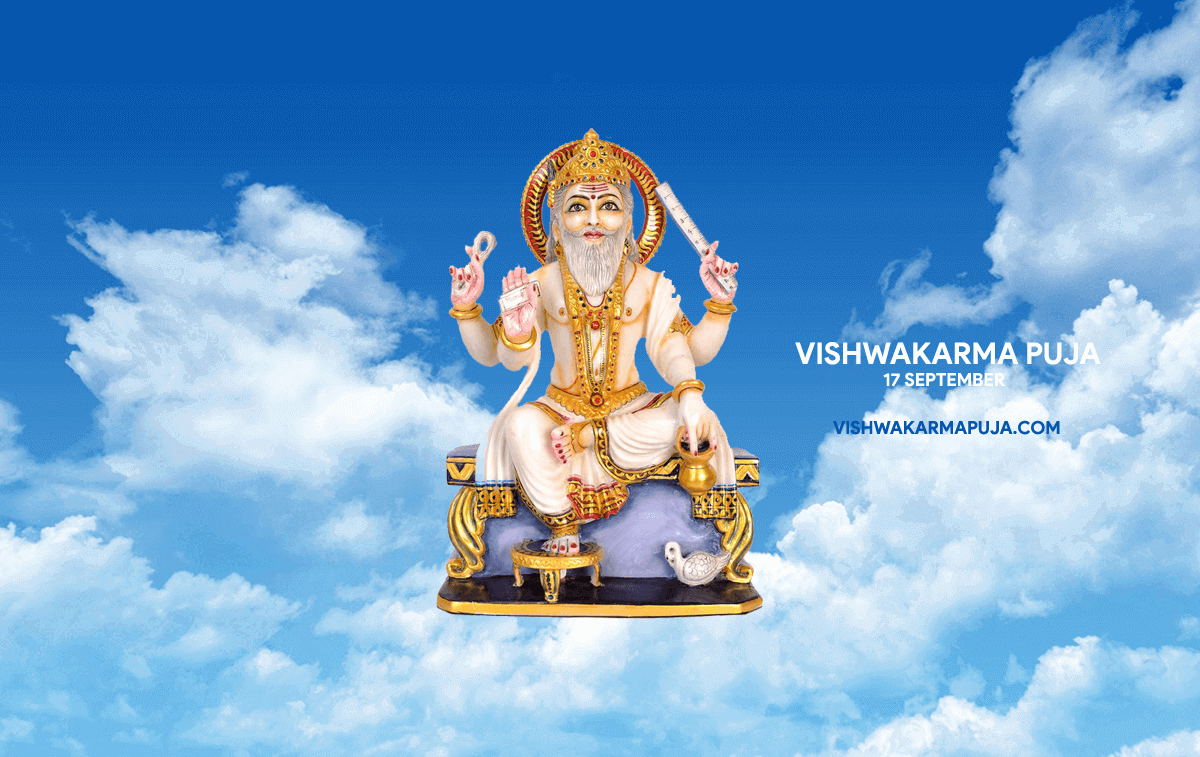
Wallpaper 3वॉलपेपर 3

Wallpaper 4वॉलपेपर 4
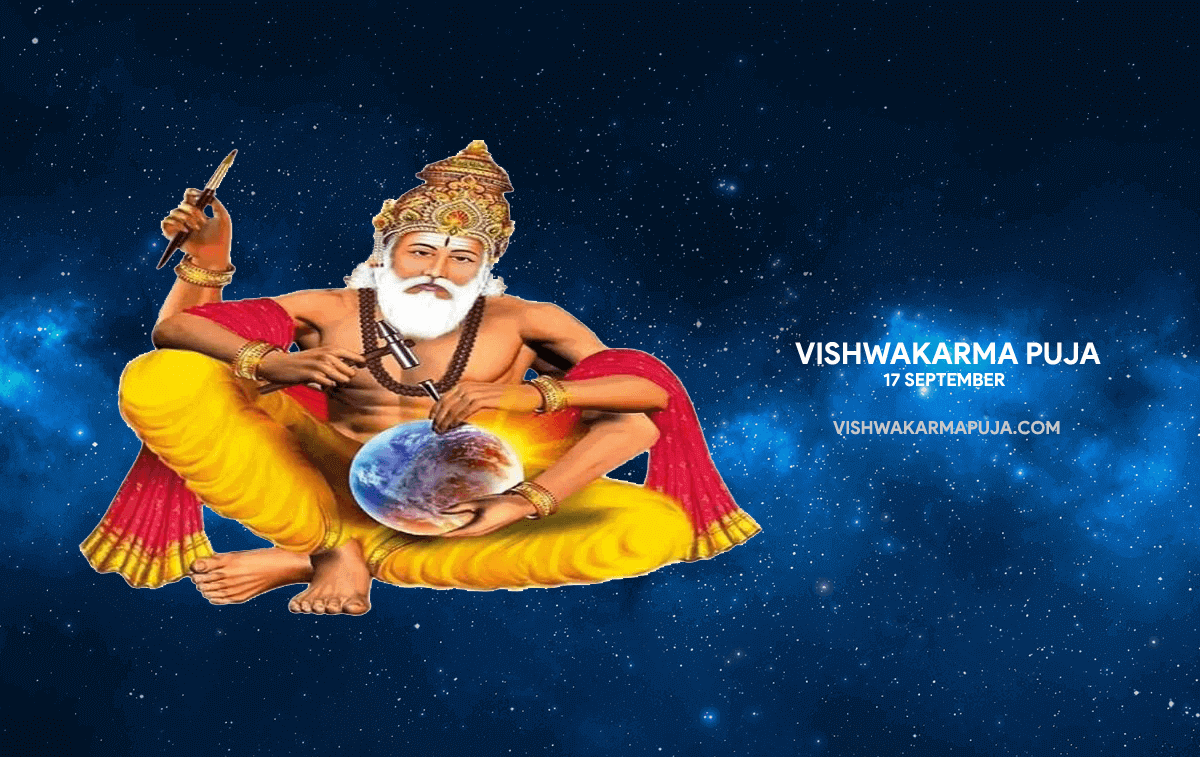
Wallpaper 5वॉलपेपर 5
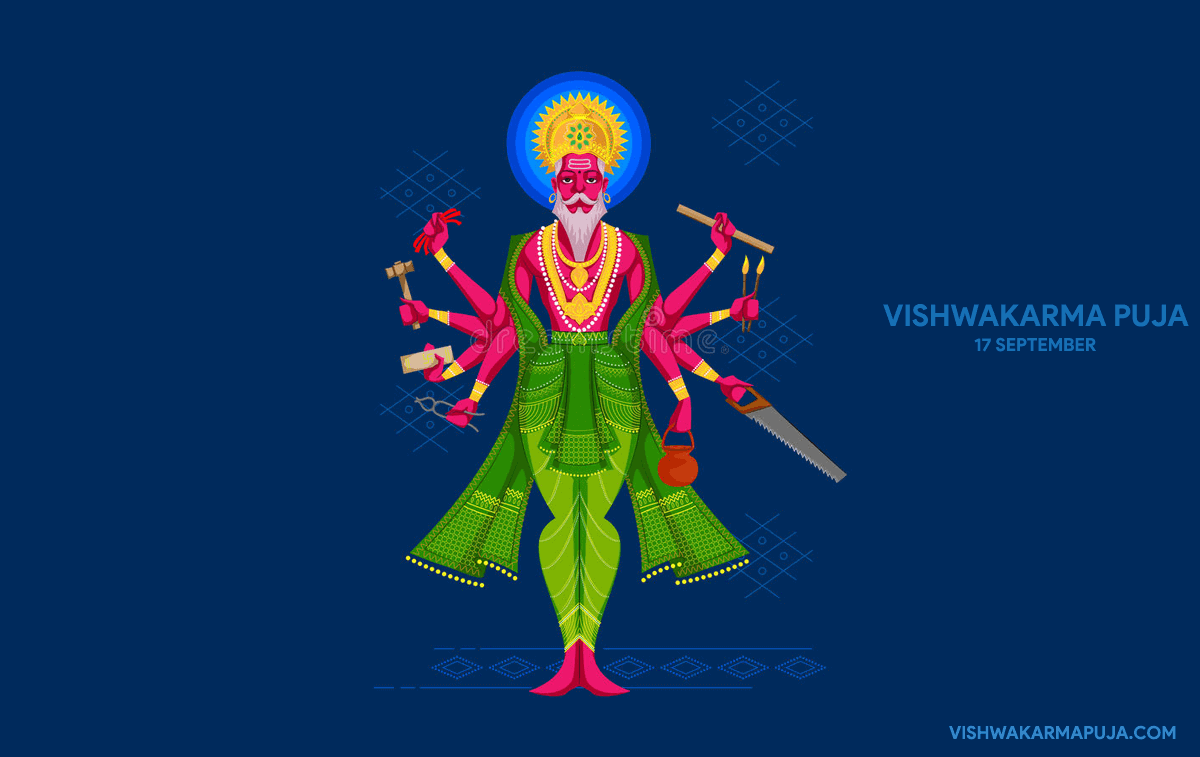
Wallpaper 6वॉलपेपर 6
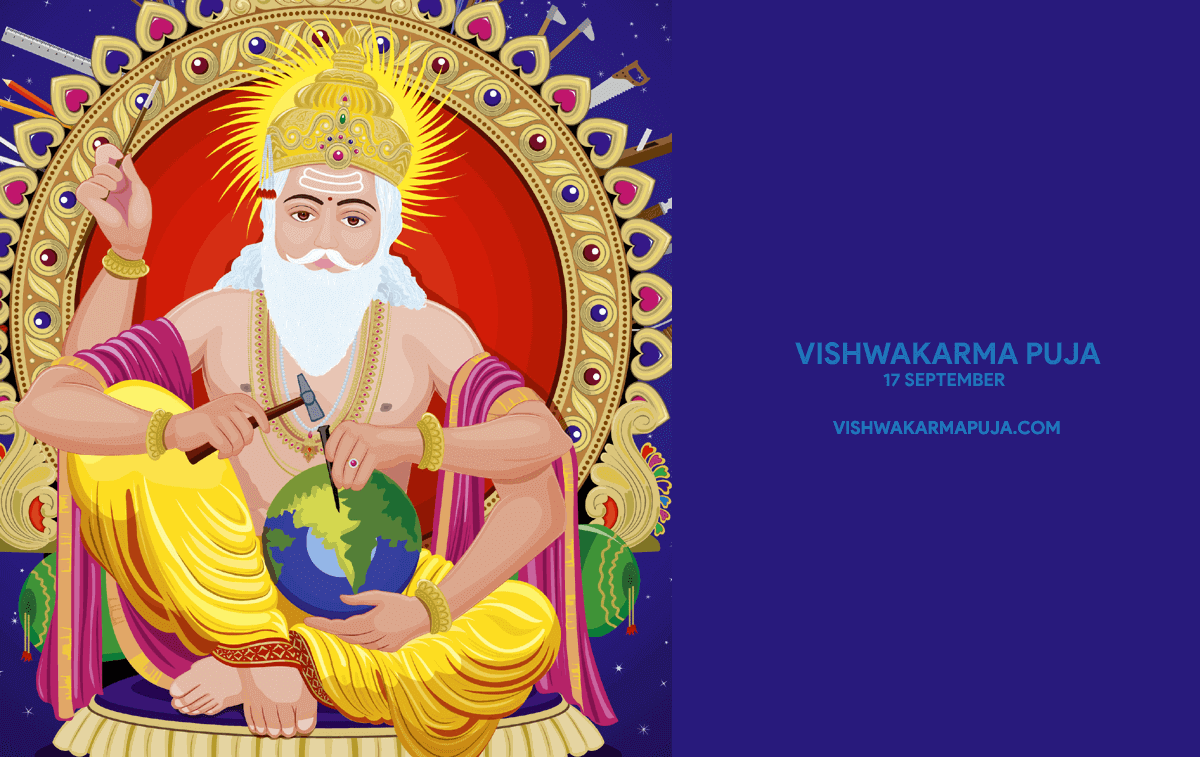
Wallpaper 7वॉलपेपर 7
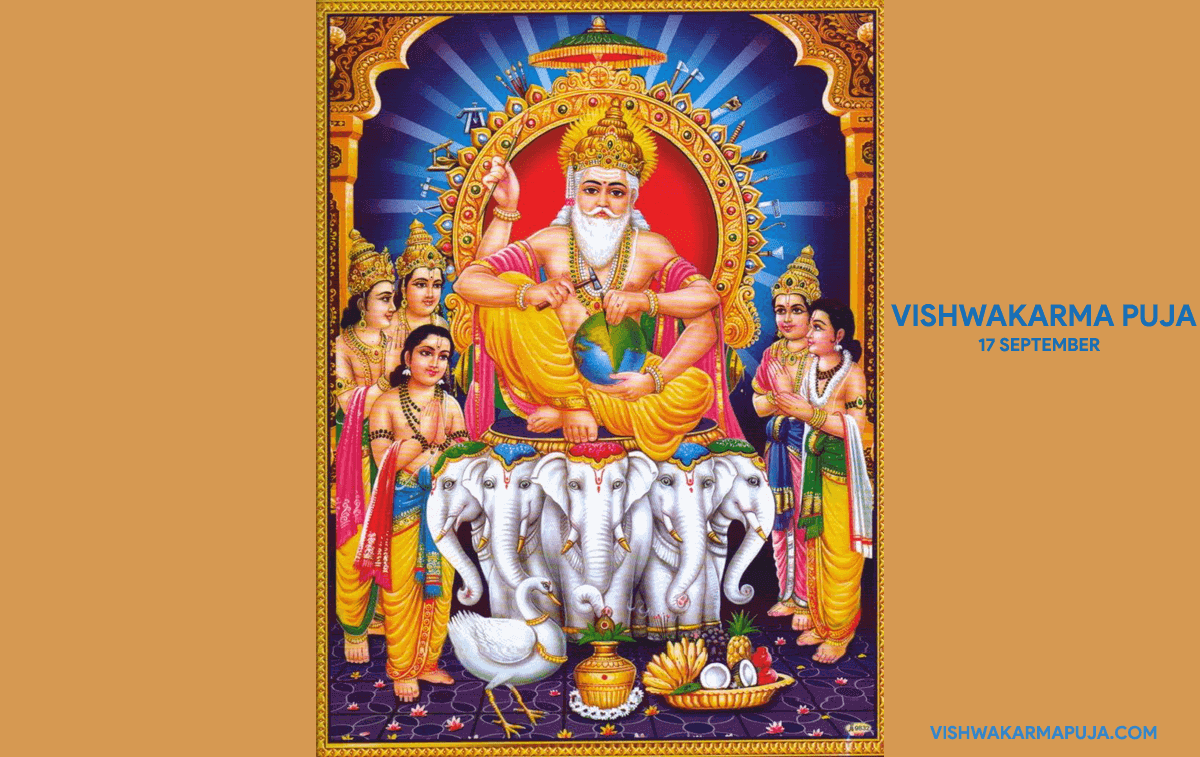
Wallpaper 8वॉलपेपर 8
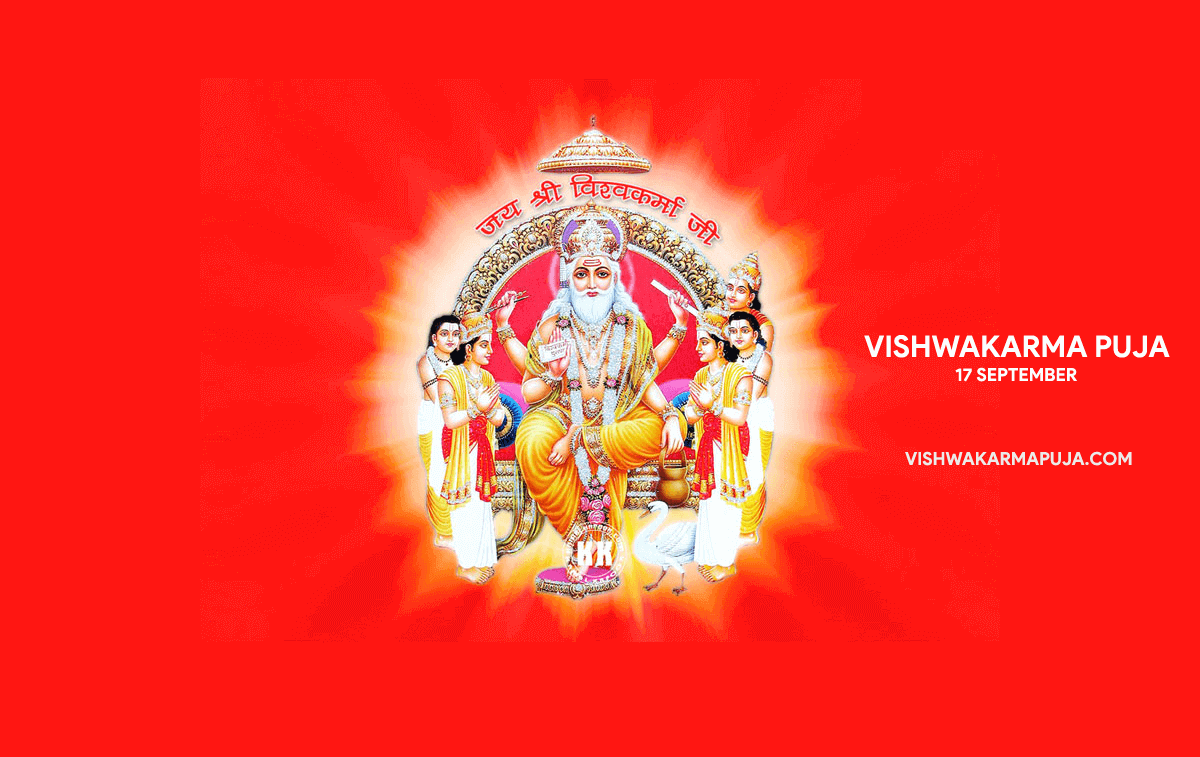
Wallpaper 9वॉलपेपर 9
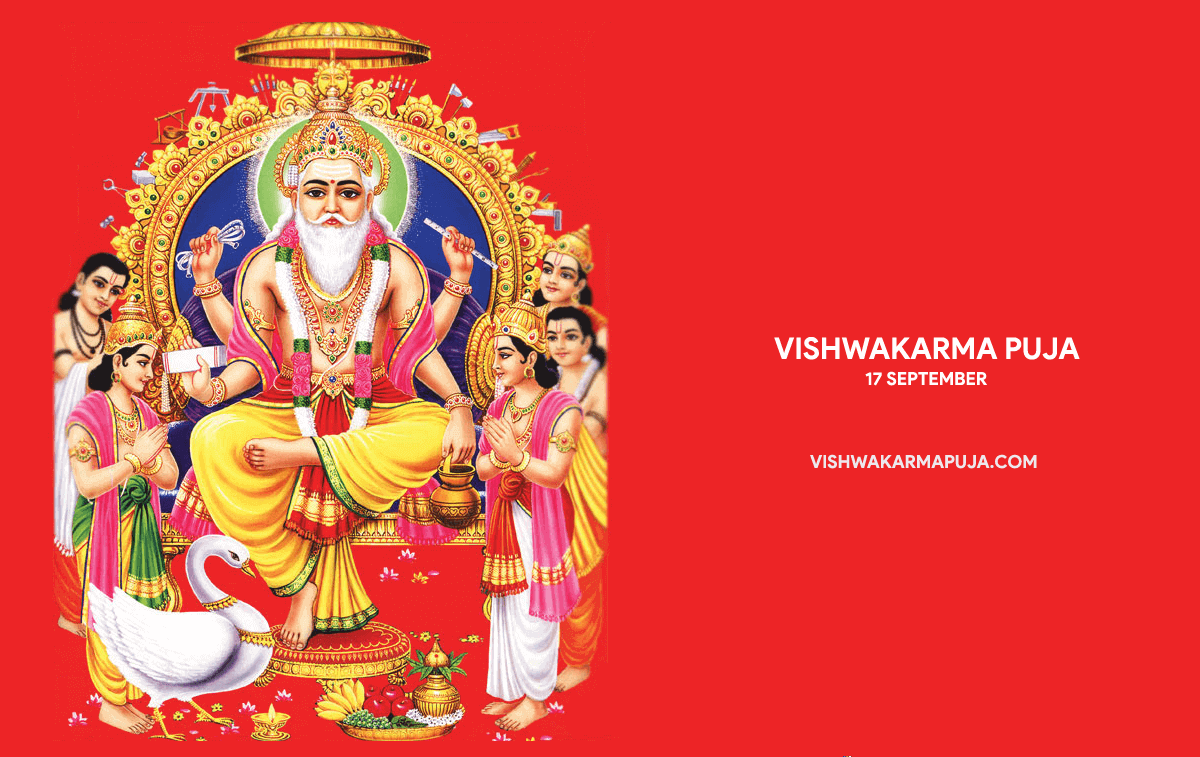
Wallpaper 10वॉलपेपर 10
You can also share Vishwakarma Puja posters, Vishwakarma Puja greetings and Vishwakarma Puja rangoli designs with your family, friends and colleagues.
आप अपने परिवार, मित्रों और साथियों के साथ विश्वकर्मा पूजा पोस्टर, विश्वकर्मा पूजा शुभकामना चित्र और विश्वकर्मा पूजा रंगोली डिज़ाइन भी साझा कर सकते हैं।